Product categories
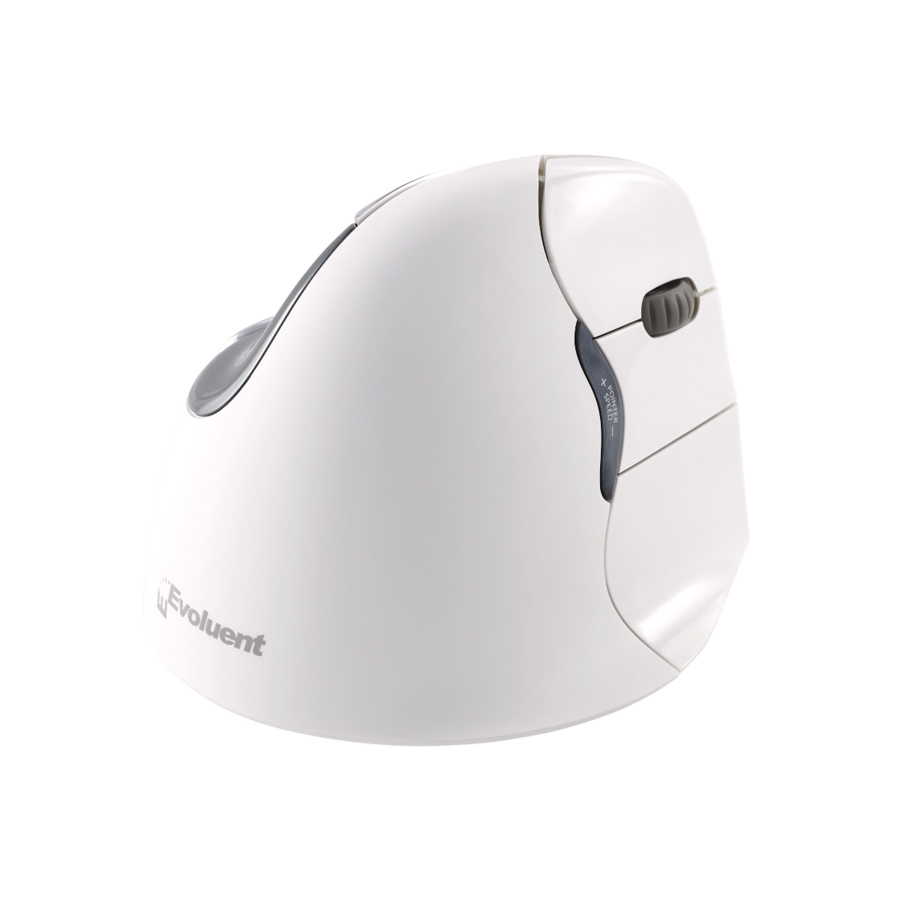
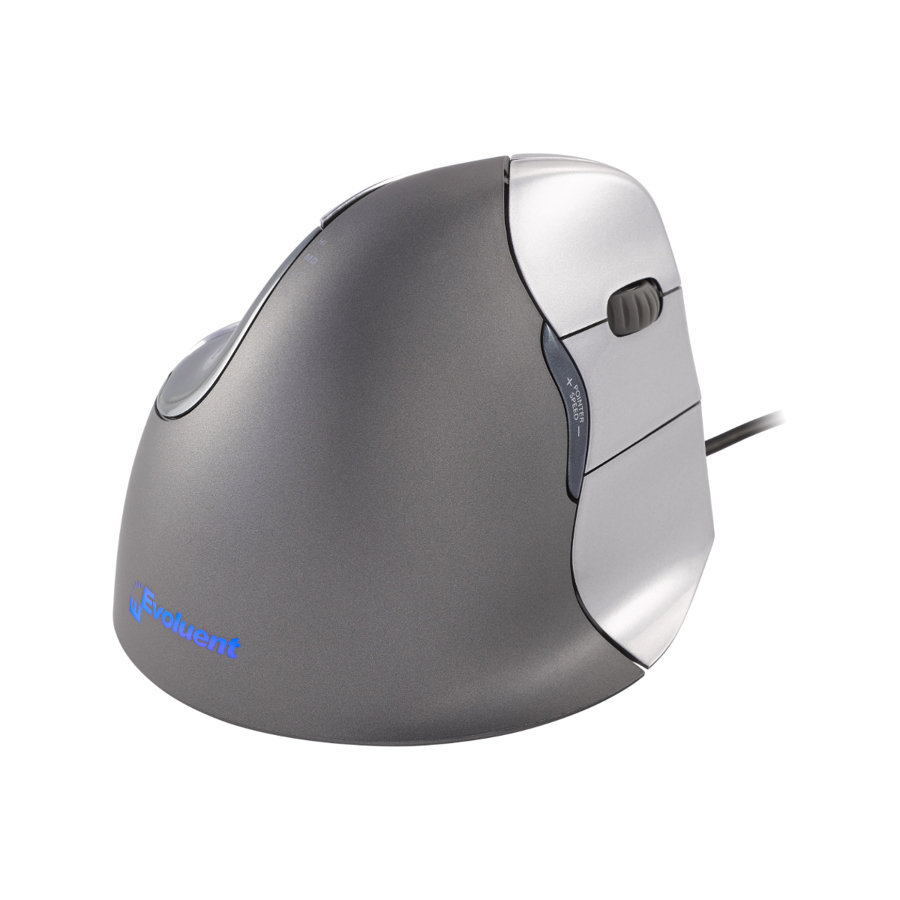
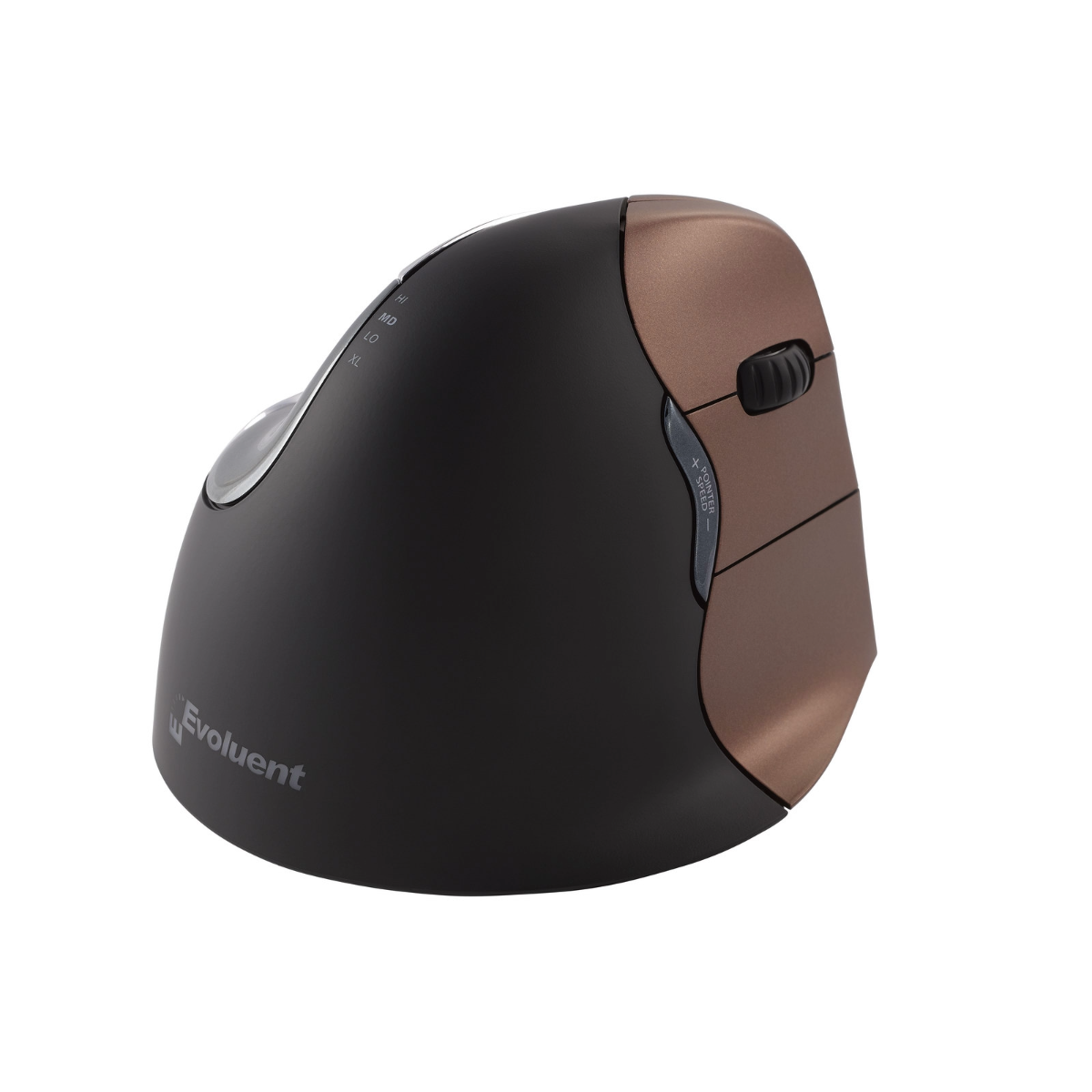
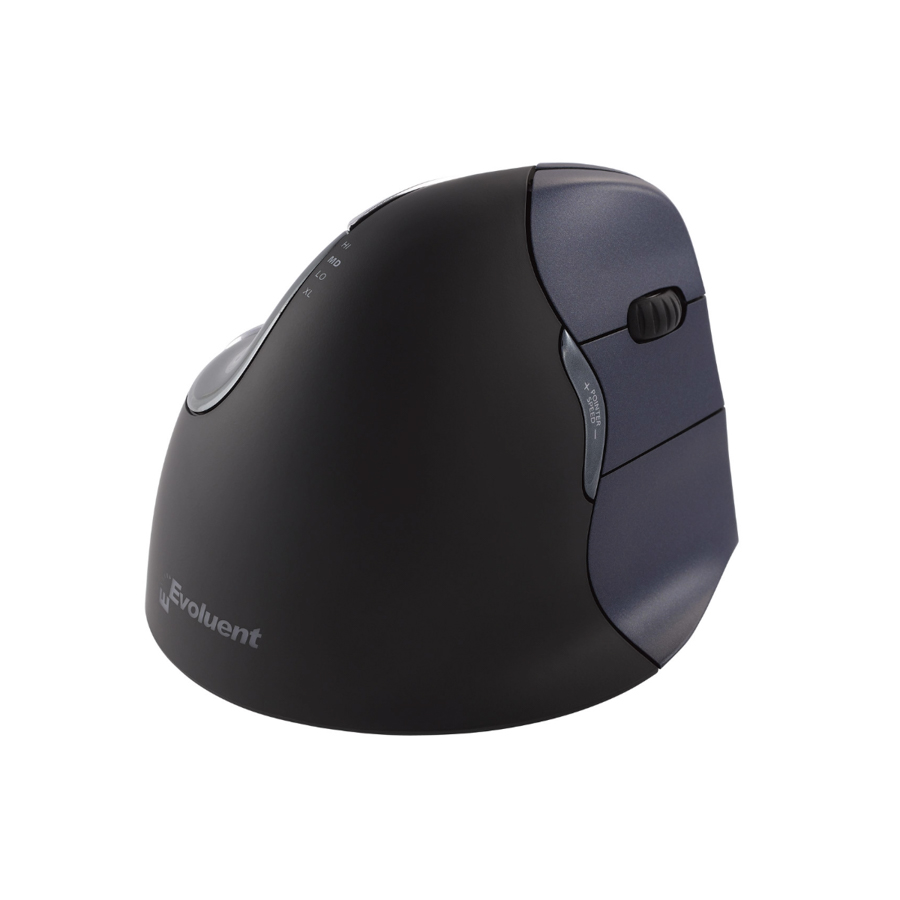
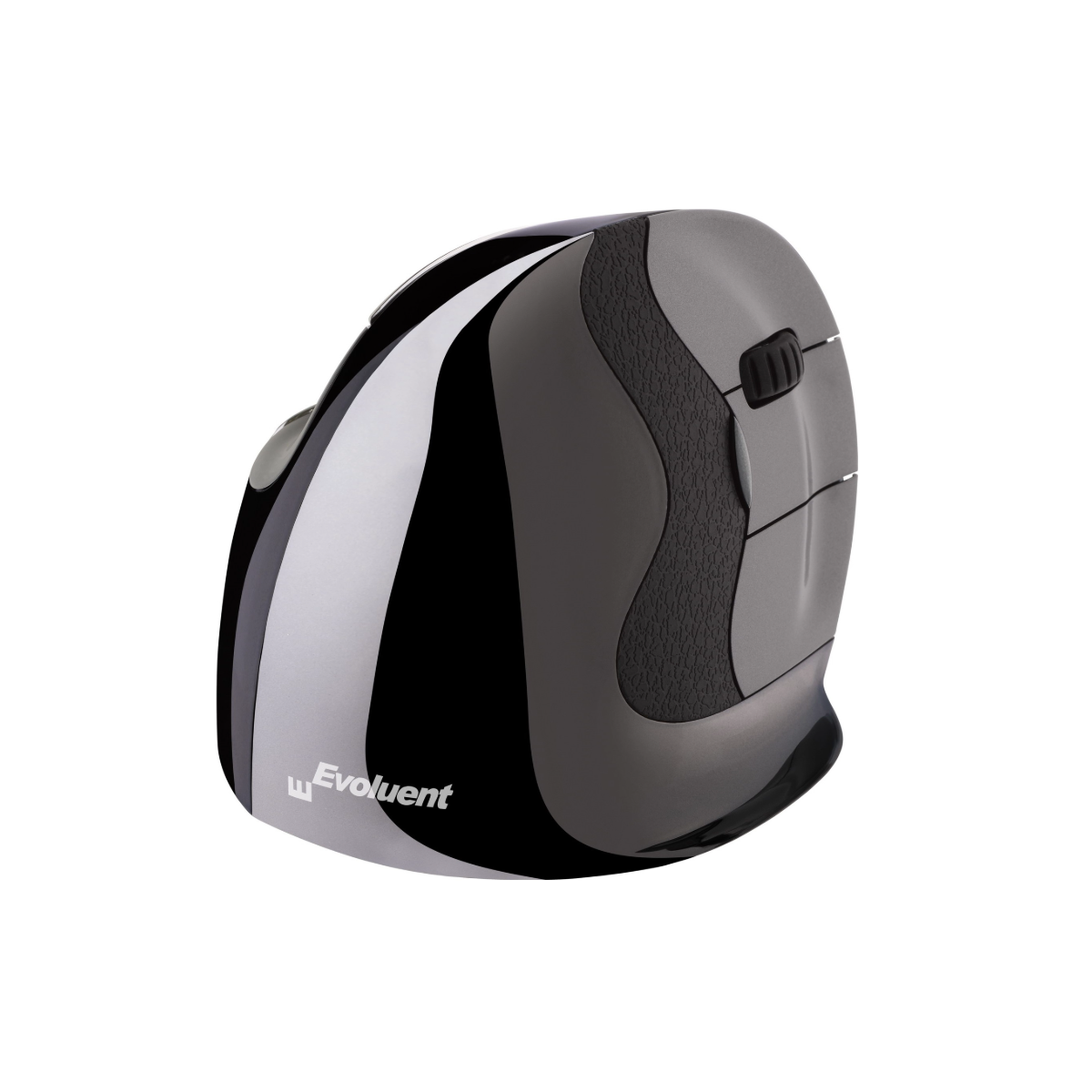
Rocker Mouse Rockstick2 Wireless, left
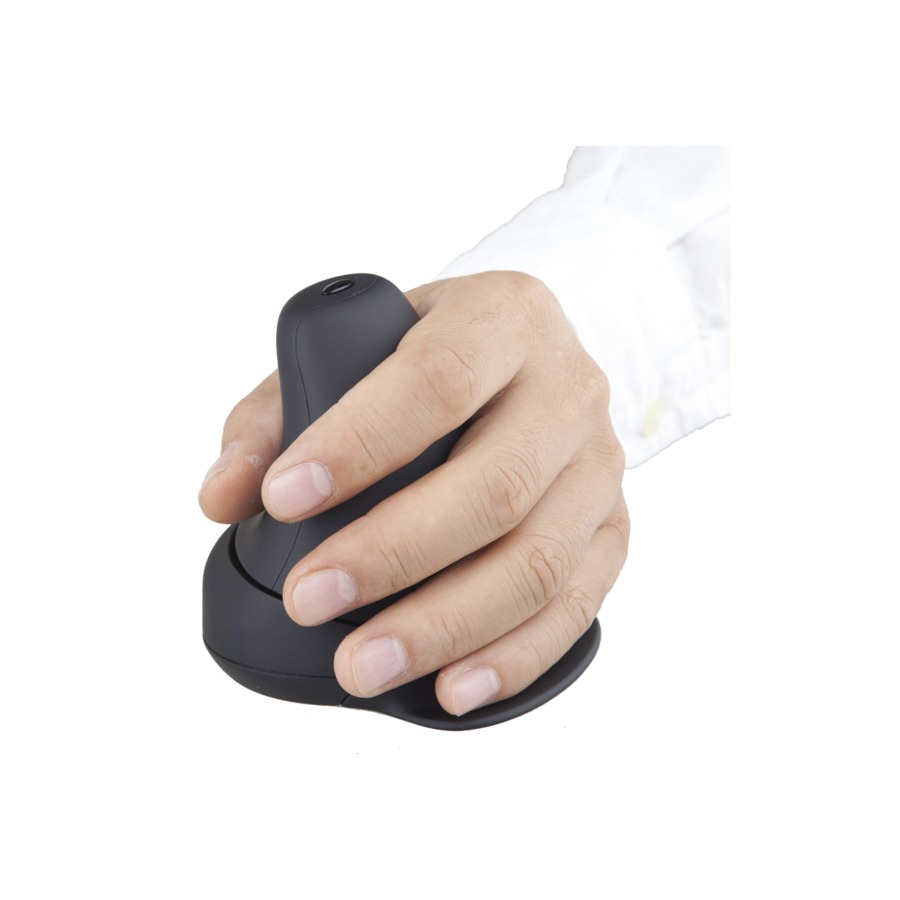
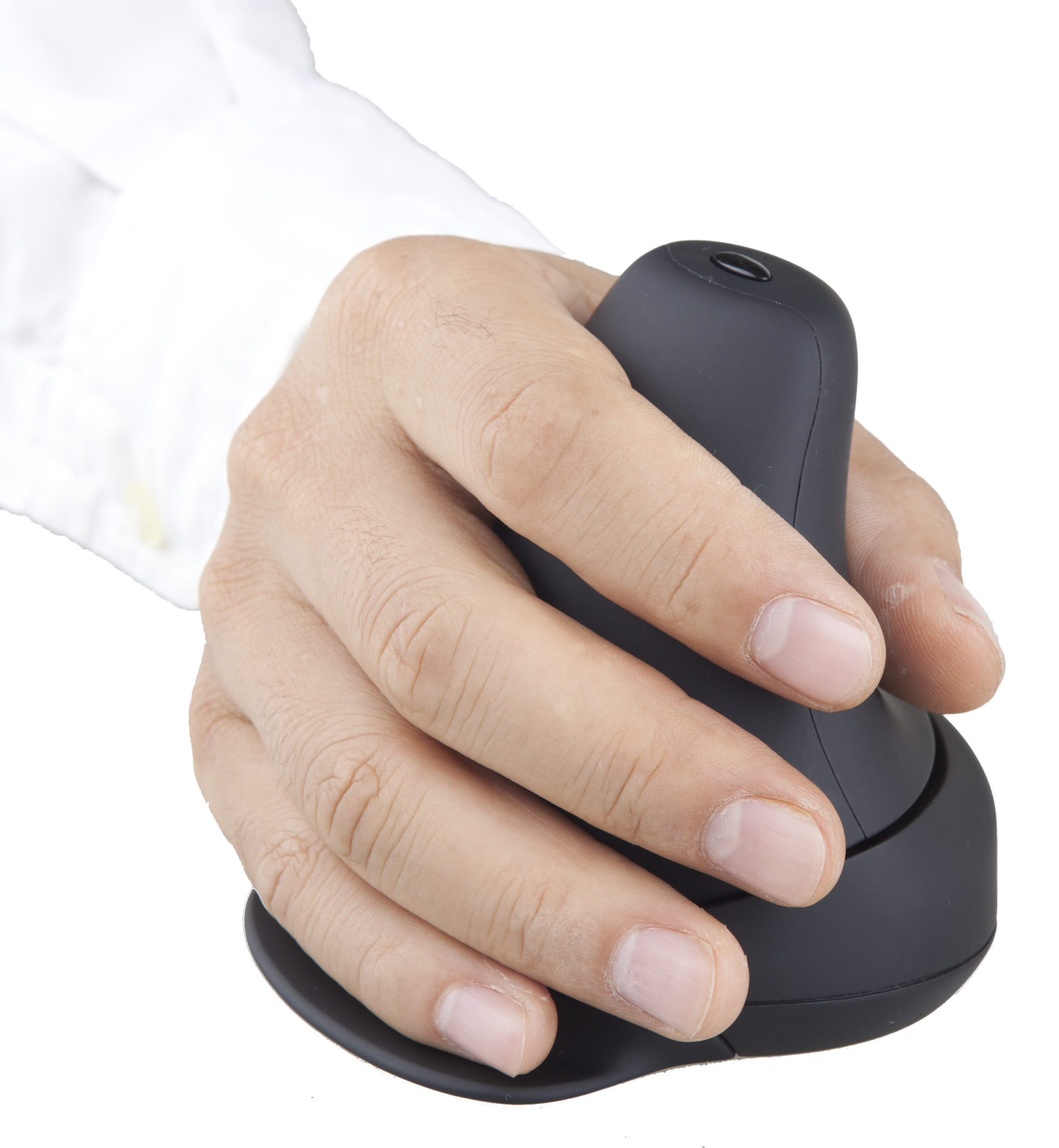

Rock the new revolutionary ergonomic mouse with hand movements for clicking

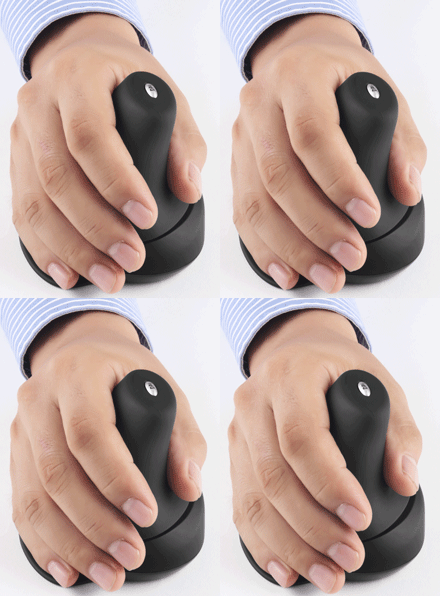
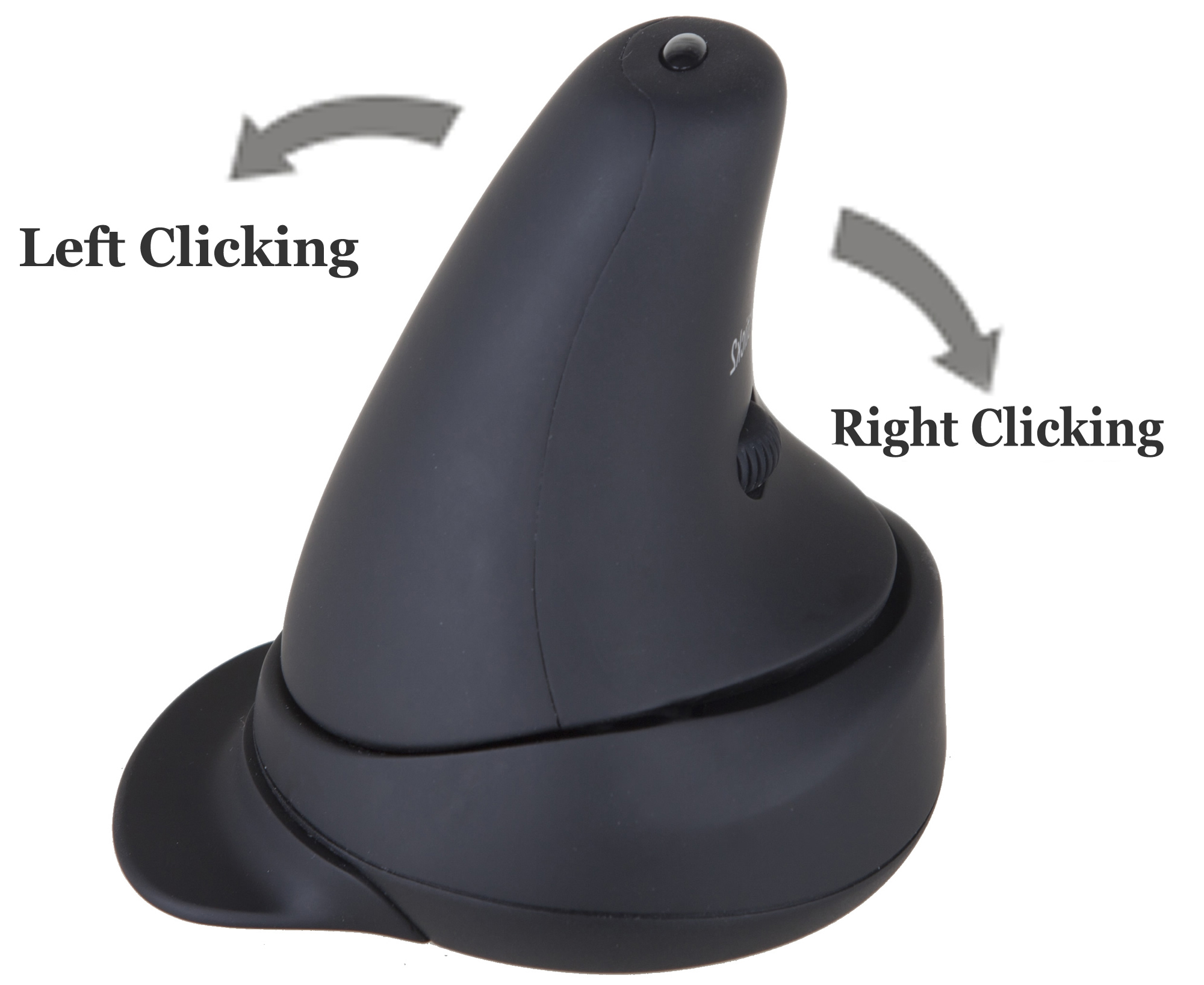
Rock the mouse top to the left or right for clicking.
A suggestion from the Berkeley, University of California web: ”Explore alternatives to mouse clicking. Our customers often report that moving the mouse is not a problem, but clicking it brings the pain.”
The Rocker Mouse brings an alternative to conventional mouse-clicking. The solution to the clicking stress caused by finger clicks is to use stronger hand.
The Rocker Mouse Rockstick2 reduces Carpal Tunnel Syndrome (CTS) problems in multiple ways:
- Clicking is done by hand not fingers, rocking the mouse top to the left or to the right. Hands are stronger than fingers. Therefore hand movements cause less carpal tunnel pressure and tension than finger movements.
- Strain from fingers lifting and hovering for preparation to click is avoided. The unique design of the Rocker Mouse allows users to rest their fingers on the mouse without the preparation to click. Thereby, all fingers remain relaxed and supported at all times.
- An additional benefit is that when the user moves the mouse, the subconscious strain from being careful not to click unintentionally is avoided.
- Most conventional mouse usage force the hand, wrist, and forearm to twist away from its natural relaxed position. This applies constant strain to the hand, wrist, and forearm in order to maintain the position.
- The Rocker Mouse uses a vertical handshake posture, where twisting and strain on the related forearm muscles, tendons and nerves are avoided.
- People allergic to rubber can use the Rocker mice with no harm. There is no latex or rubber in the Rocker mice.
- The same Rocker Mouse can be used with either the left or right hand. Thus the workload is reduced for both hands.
- An extra-wide lip for the little finger reduces friction between it and the desk surface, lessening the force needed for movements.
- The Rocker Mouse has no glossy parts that can reflect disturbing sunlight or lamplight to the eyes.
| Wireless | 2.4 GHz |
| Transmission | up to 10m |
| Handedness | left or right, selection by control at the bottom |
| Laser resolution can be chosen | 800, 1200, 1600 or 2000 DPI |
| Battery | After a few minutes without usage, the Rocker Mouse will sleep to save battery power. |
| Guarantee | 3 years |
| Rubber allergy | materials are safe for those allergic to rubber |
| Compatibility | Windows 10, 8, 7, Vista, XP, 2000 Mac OS 9, OS X (10.2.8 or newer) Linux |
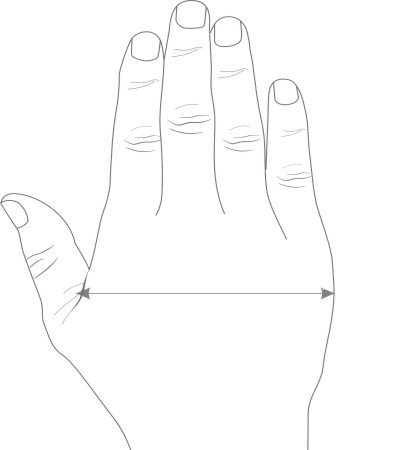
To determine the size of the mouse for the best fit, measure the palm as shown in the drawing.
Medium/small size: Recommended: 7.0-9.5 cm
Large size: Recommended: 9.5-12.00 cm
“First-class ergonomics” (“Førsteklasses ergonomi”), “also good that there are two sizes of the mouse” (“også en god ting at musen finnes i to størrelser”)
Kotimikro, Finland, November 2015“Super-good ergonomics” (“Superhyvä ergonomia”), “Easy to adapt to” (“Helppo ottaa käyttöön”)
PC-tidningen, Sweden, November 2015“Good ergonomics” (“God ergonomi”), “works well with both the right and left hand” (“fungerar bra i såväl höger och vänster hand”)
Tekniikan Maailma, Finland, September 2015“a rocker switch as a specialty”, “a tender grip is enough for moving the sizeable mouse”
11050 Rocker Mouse Rockstick2, wireless, medium/small
11051 Rocker Mouse Rockstick2, wireless, large