Product categories
Evoluent Vertical Mouse VM4 Small Wireless
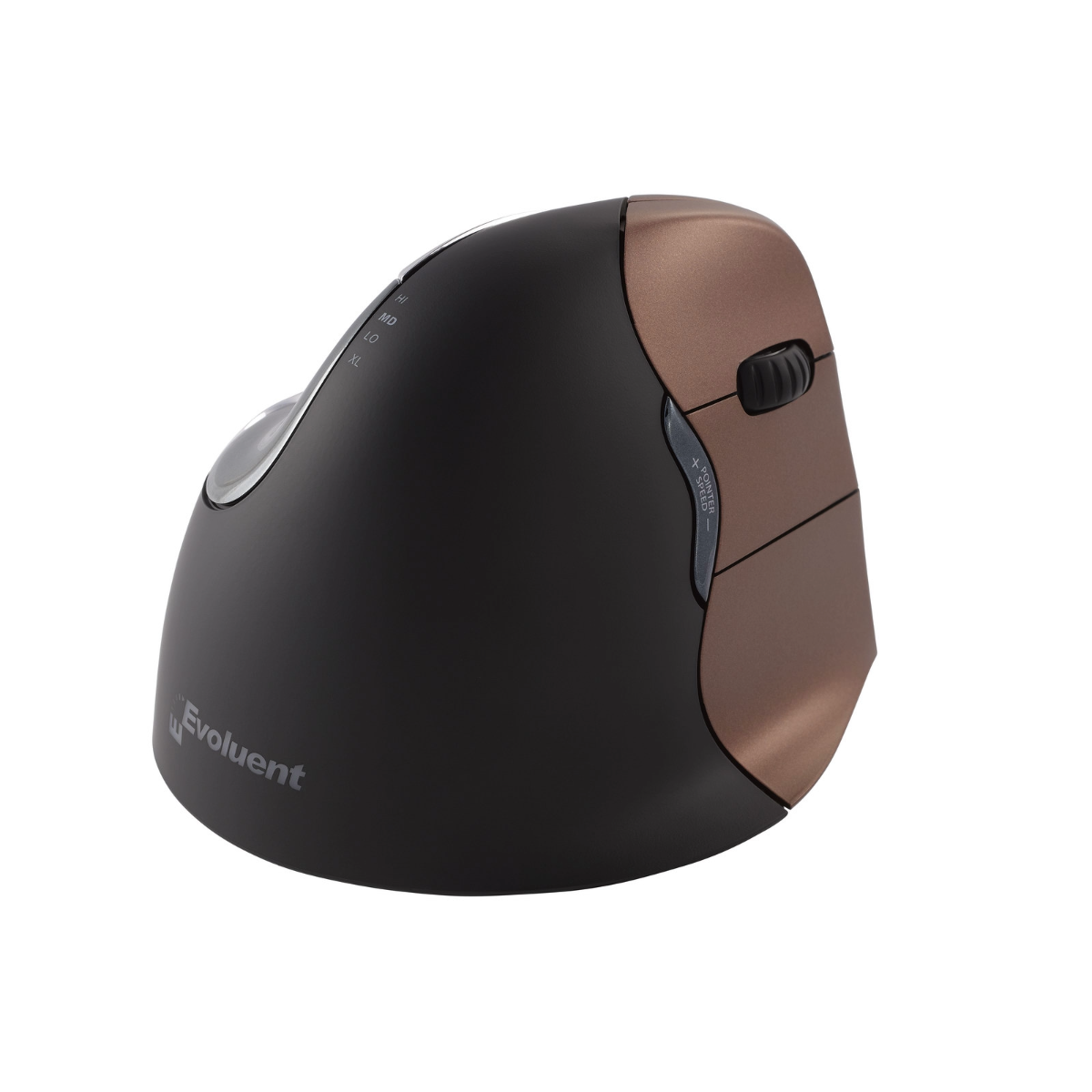
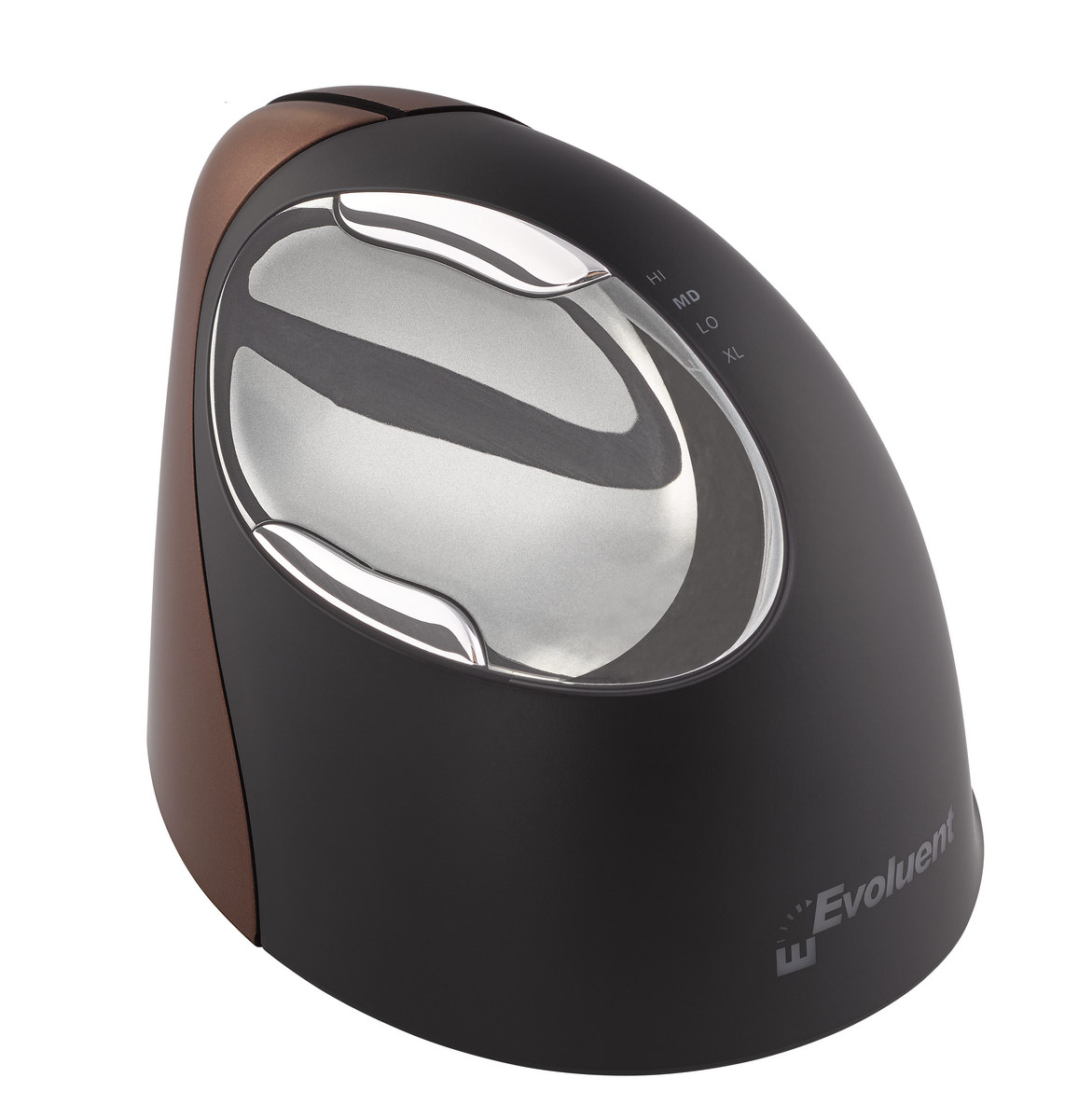
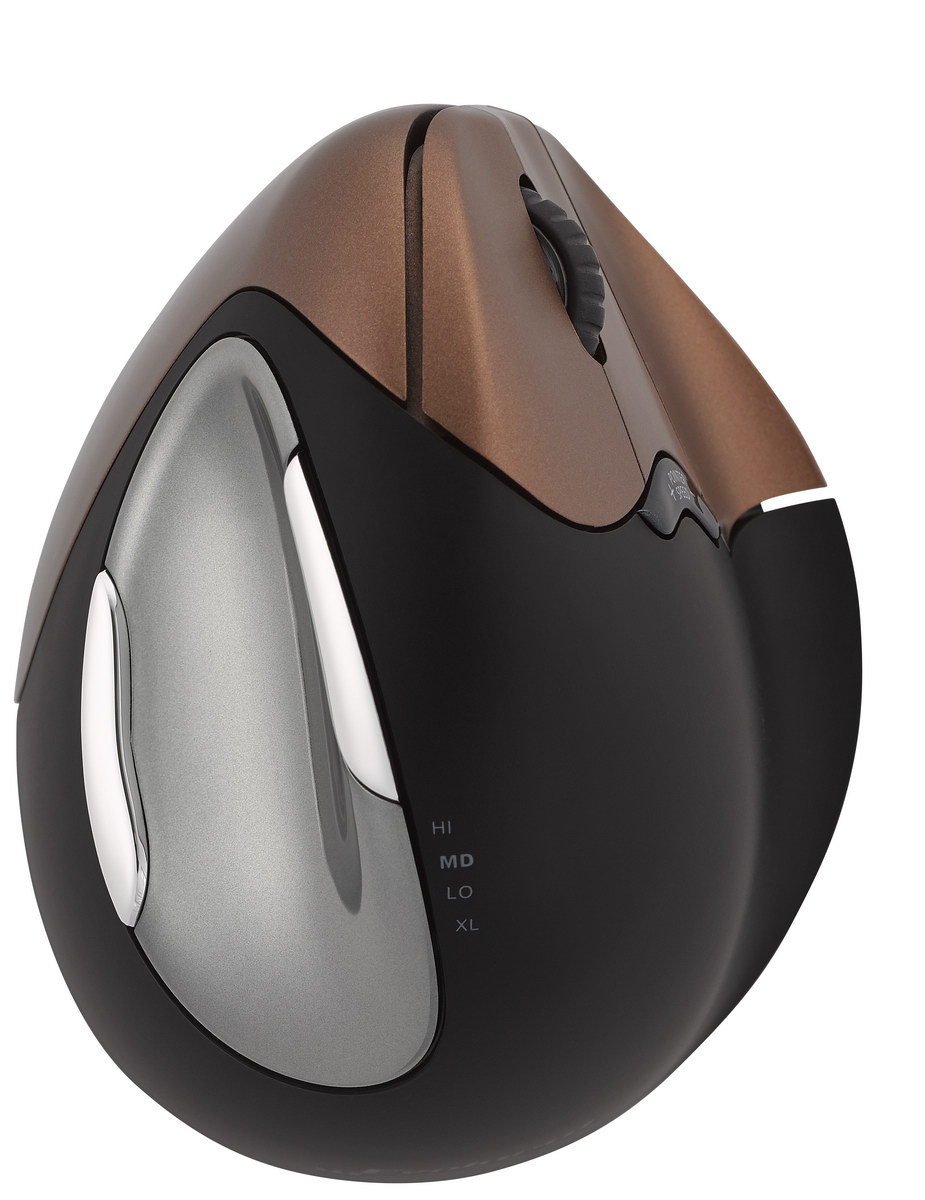
Evoluent – world’s first and original vertical handshake-grip mouse
Download PDF brochure here
Troubleshooting
The Evoluent VerticalMouse 4 Small Wireless is for hands smaller than about 7 inches or 178 mm long from the tip of the middle finger to the wrist crease. To see if VM4S fits you, download a full-size pdf by clicking here, print it, and put your hand on it. If your hand is the same size or smaller than the drawing, VM4S may fit you better than the regular VM4R.
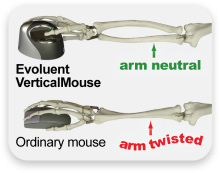
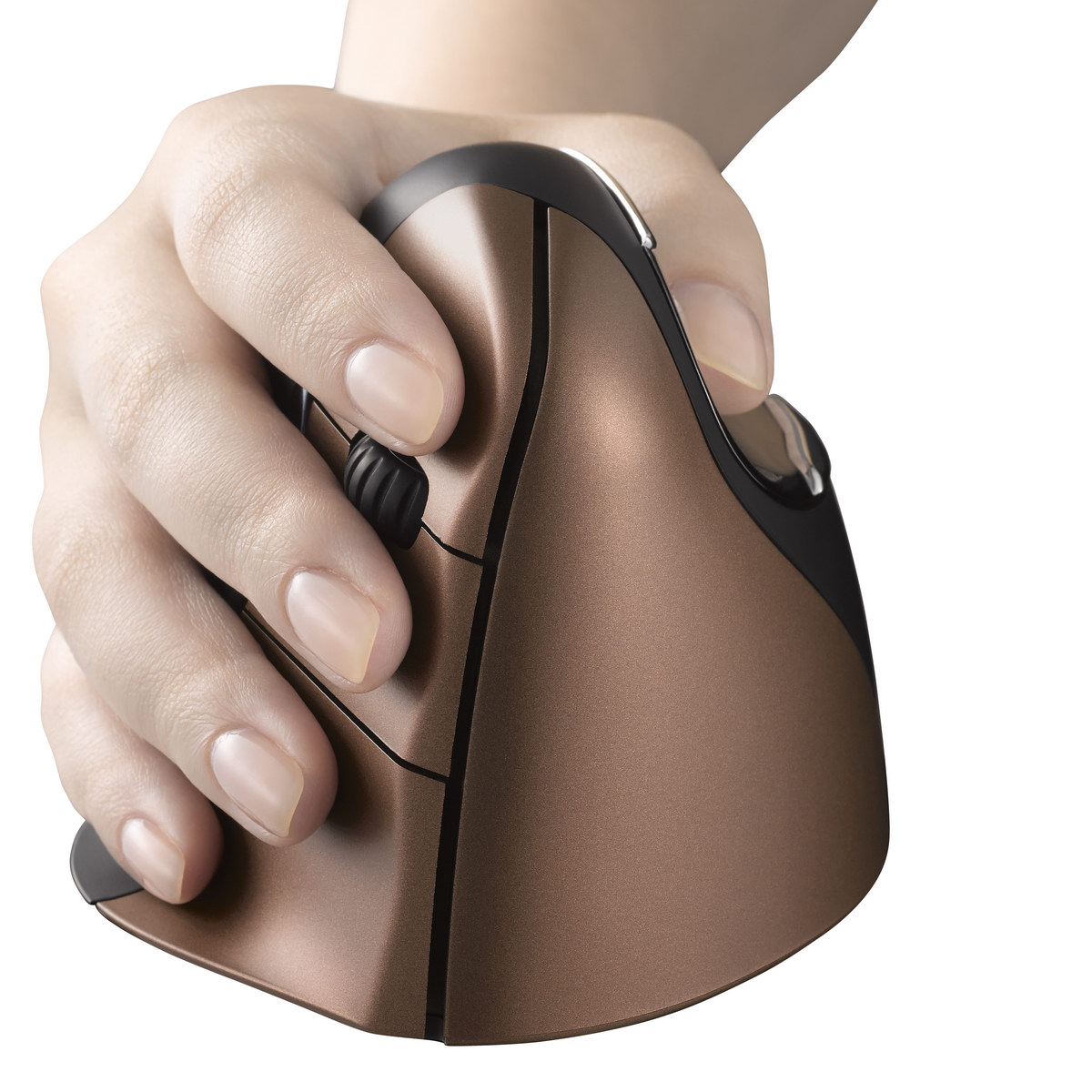
Using Evoluent Vertical Mouse, your hand is in an upright neutral posture and that generally avoids forearm twisting.
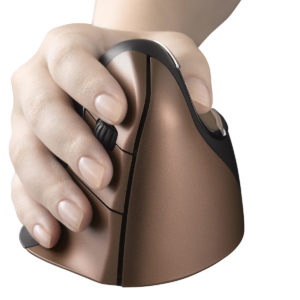
The shape is thoughtfully sculpted for uncompromised comfort and easy-to-reach programmable buttons. No finger contortions are needed to operate the buttons.

An extra-wide lip along the bottom edge prevents the little finger from rubbing the desk.
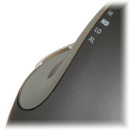
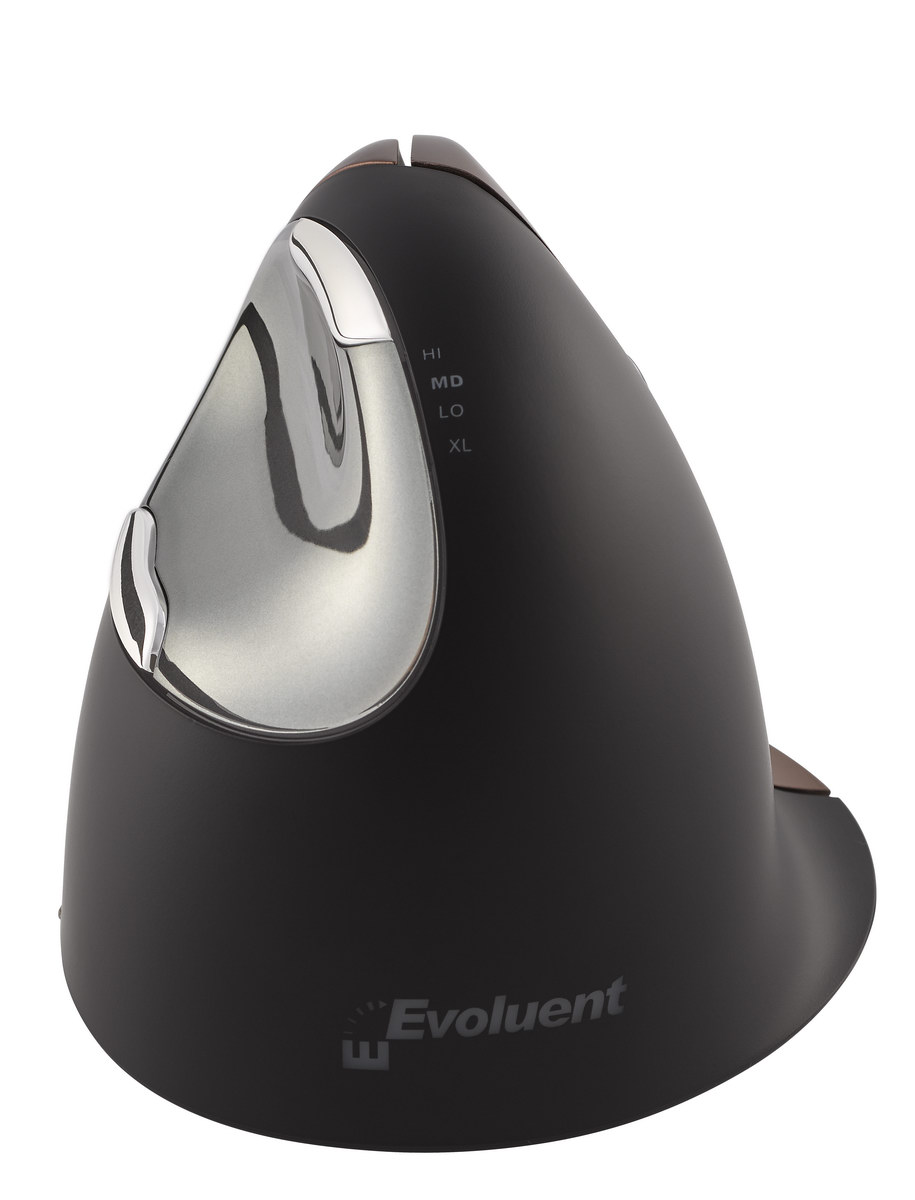
The thumb rest has been reshaped to provide even more comfort over earlier versions.
An approved mouse of University of California at Berkeley
The Evoluent VerticalMouse 2 (an earlier model identical in concept) was evaluated in 2007 by a team at the health services clinic in UC Berkeley, including medical doctors, physical therapists, ergonomists, and administrators. It was found to be comfortable, easily adapted to, and promote a neutral wrist and forearm posture. It was the only vertical type mouse approved for staff use within UC Berkeley and for sale on the campus store at that time.
* The statements herein apply to some current or past users of Evoluent VerticalMouse, but since everyone is different, Evoluent makes no claim or representation that the Evoluent VerticalMouse will prevent, cure, or mitigate any medical condition, disease, injury, pain or discomfort for all users.
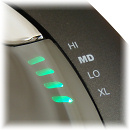
Top-mounted LEDs show through the chrome thumb rest to indicate selected pointer speed including extra low (XL), low (LO), MD (medium), to high (HI).
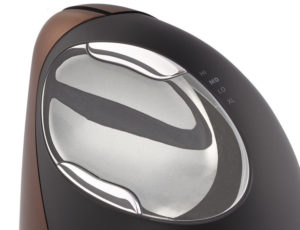
The bottom thumb button provides greatly extended functionality when used with the included driver.

The logo is pure eye-candy. The illumination turns off when the system is in sleep mode to conserve notebook battery power.
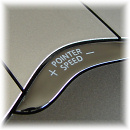
Pointer speed controls on the side allow convenient adjustment without even releasing your grip from the mouse.

Evoluent VM4 has a special feature of horizontal scrolling. If you want to use it write us in which program (Microsoft Excel, Google Sheets) you want take advantage of it and we will send you instructions concerned.
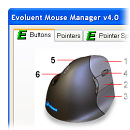
Evoluent Mouse Manager for Windows provides extensive but easy-to-use functionality for 6 buttons through a simple and intuitive interface,see.
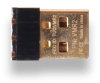
The tiny 2.4 GHz receiver avoids being knocked off the side of a notebook computer.
Evoluent is suitable for those allergic to rubber
People allergic to rubber can use the Evoluent mice with no harm. There is no latex or rubber in the Evoluent mice. The scroll wheel, for example, is of silicone.
Mac
-
Basic functionality in OS X or newer without a driver. The Evoluent Mouse Manager driver for Mac can be downloaded here (Max OS X 10.5) or here (Mac OS X 10.6 - 10.14)
Hardware drivers are available at: http://www.plentycom.jp/en/steermouse/ and www.usboverdrive.com
(Evoluent has no business relationship with these vendors)
Windows
-
Includes driver to change the functions of the buttons in the following versions of Windows: 7 (32/64 bit), 8/8.1 (64 bit) and 10. The driver can be downloaded here.
-
Freeware driver for other Windows versions at www.highrez.co.uk/downloads/XMouseButtonControl.htm (Evoluent has no business relationship with these vendors).
-
USB only; not compatible with PS/2 adapters. May be compatible with some USB KVM switches but it is not guaranteed.
Linux
-
Basic functionality without a driver.
Unix
-
Compatibility unknown.
11038 Evoluent VM4SW, right, wireless, small