Product categories
Evoluent Vertical Mouse VM4 Right Bluetooth Mac
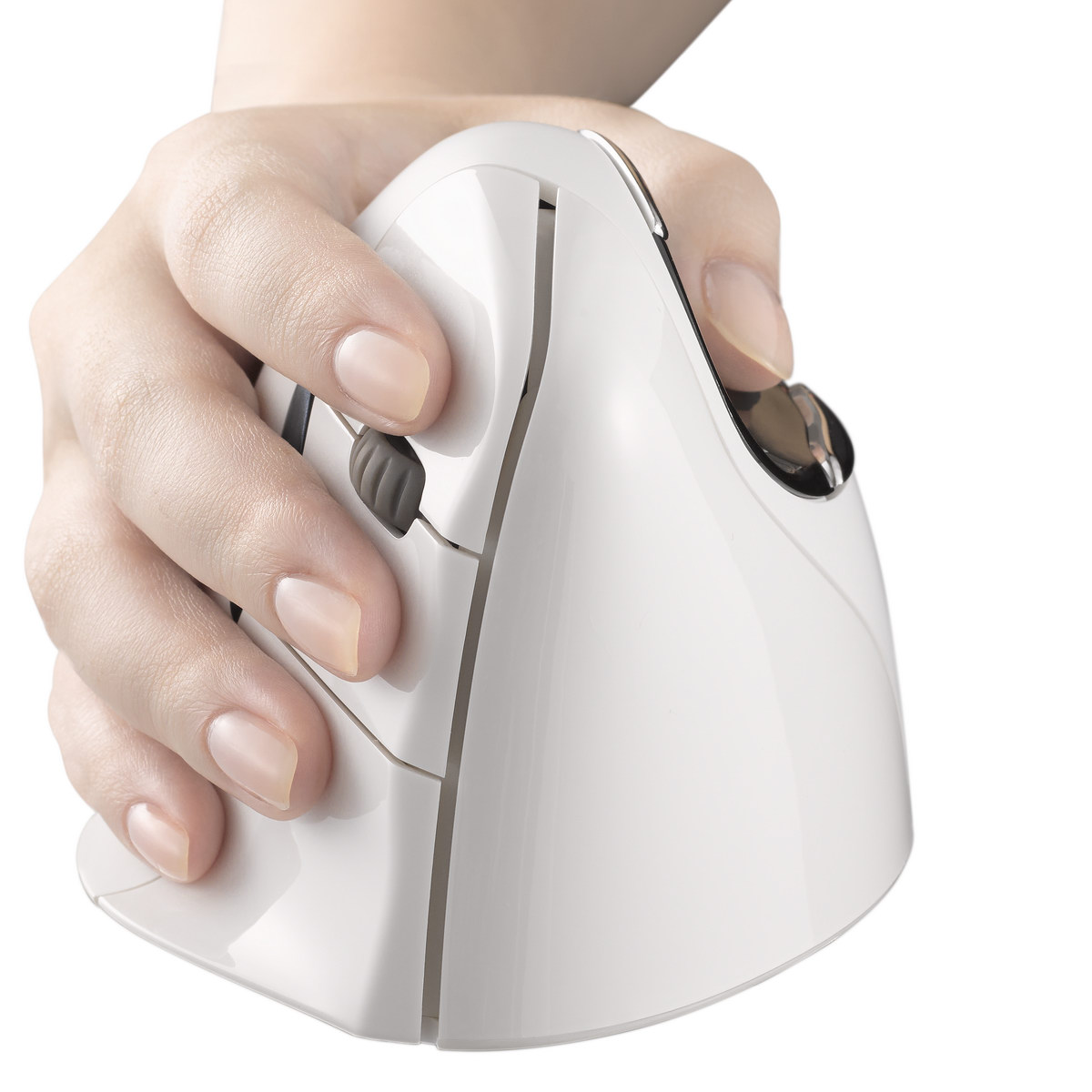
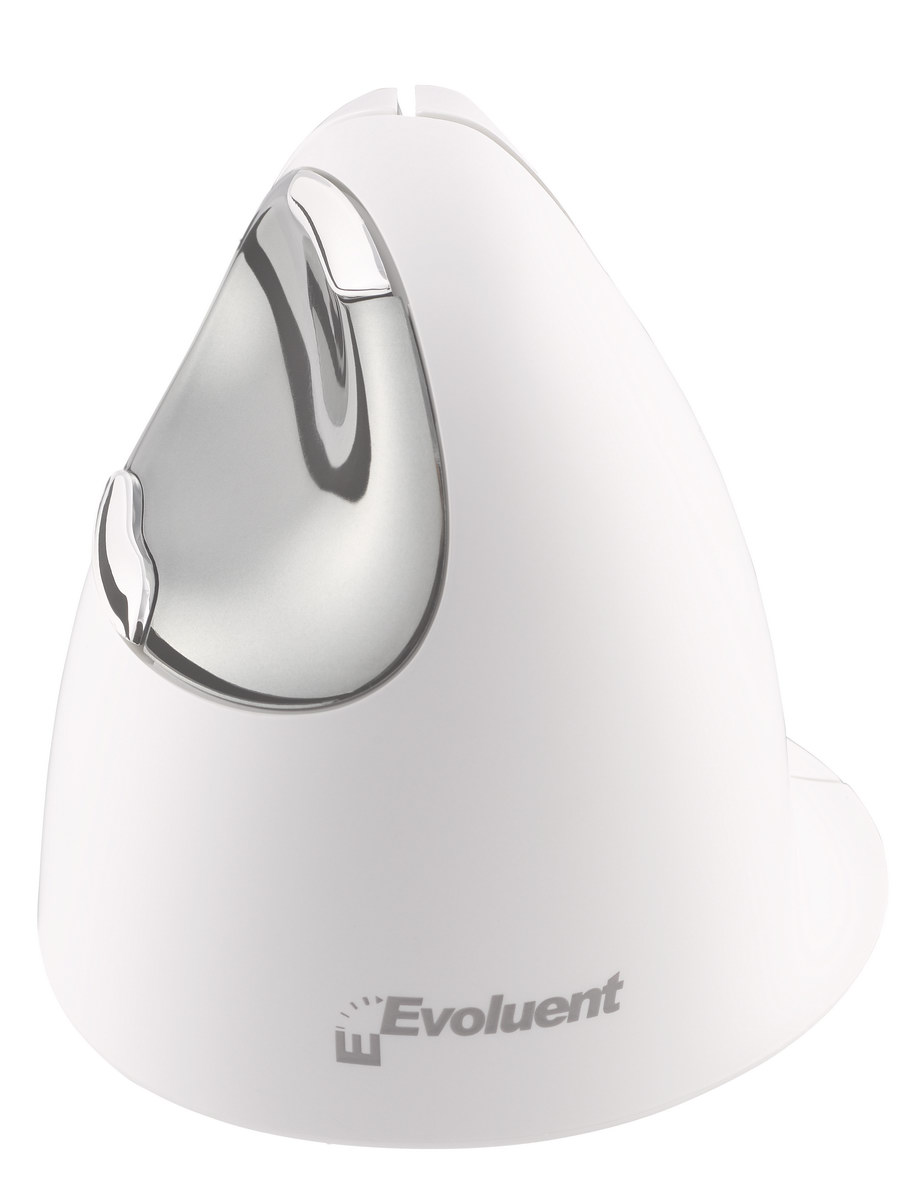
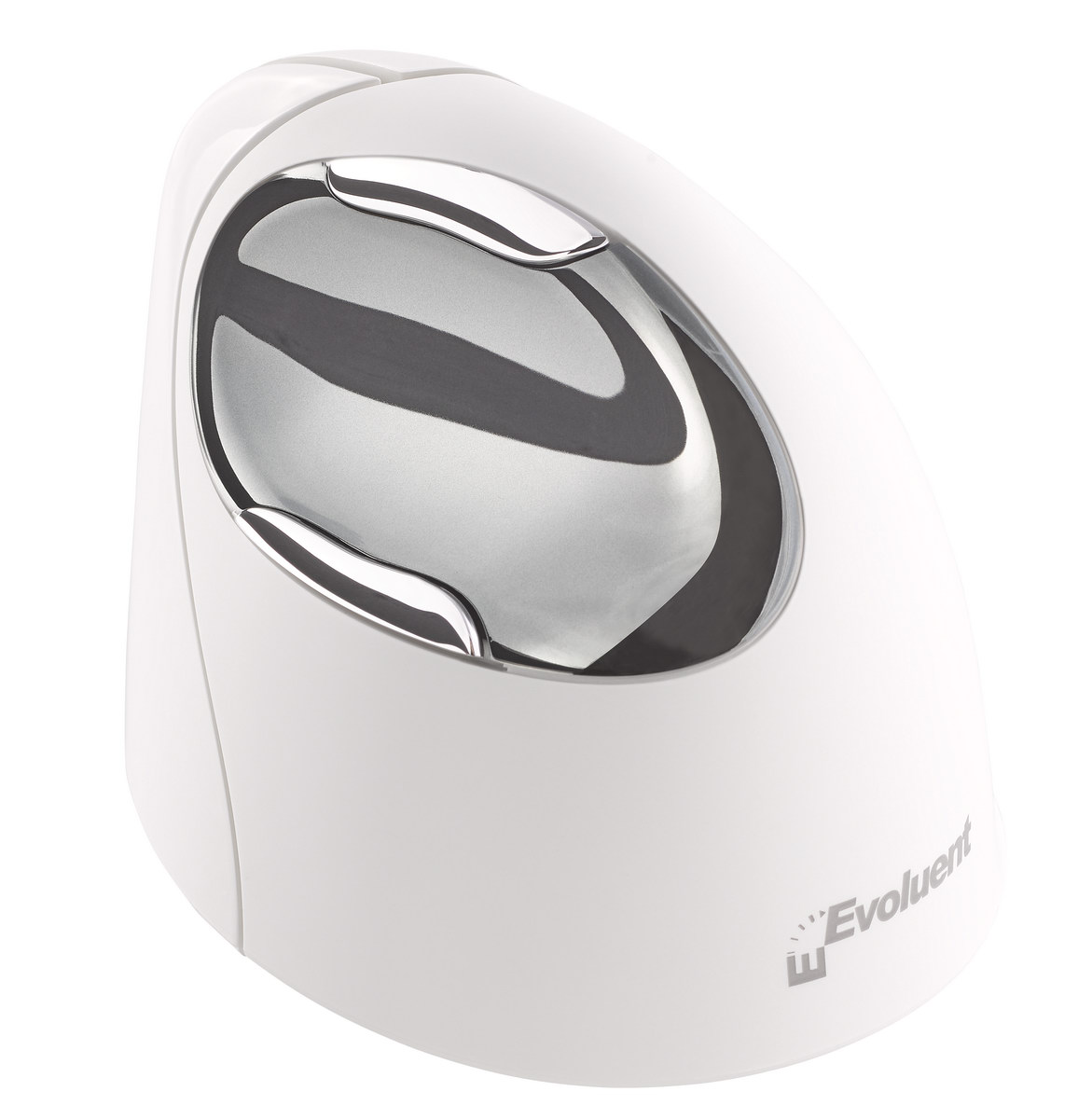

Evoluent – world’s first and original vertical handshake-grip mouse
Download PDF brochure here
Troubleshooting

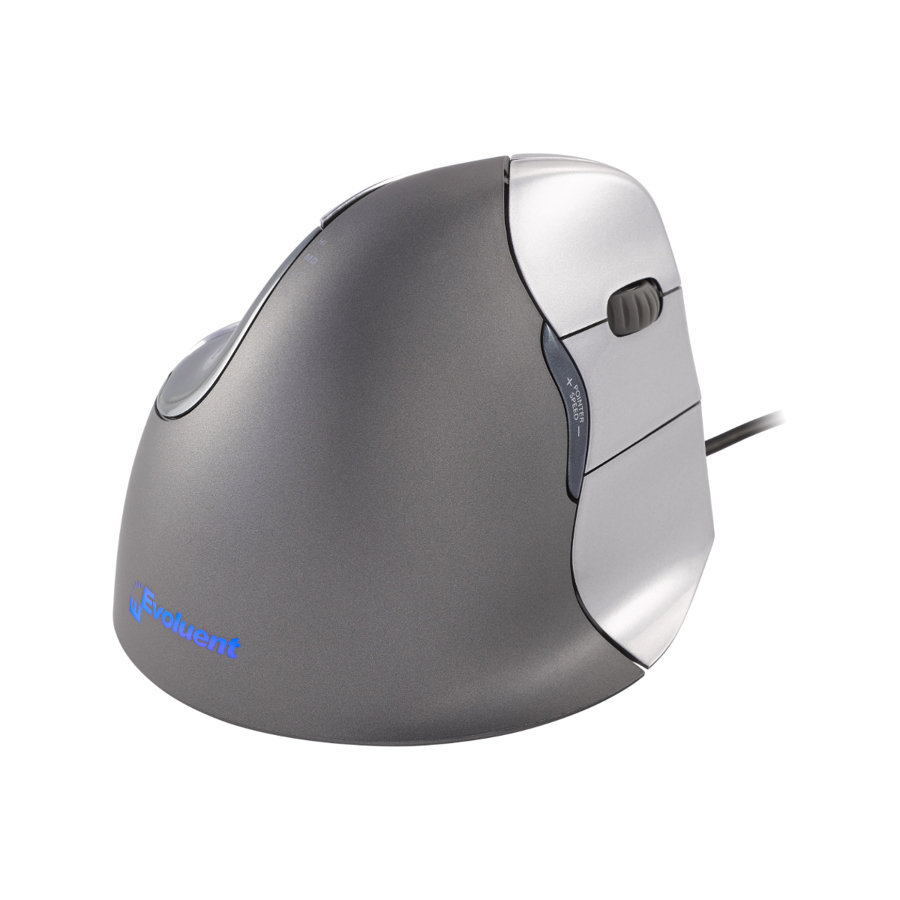
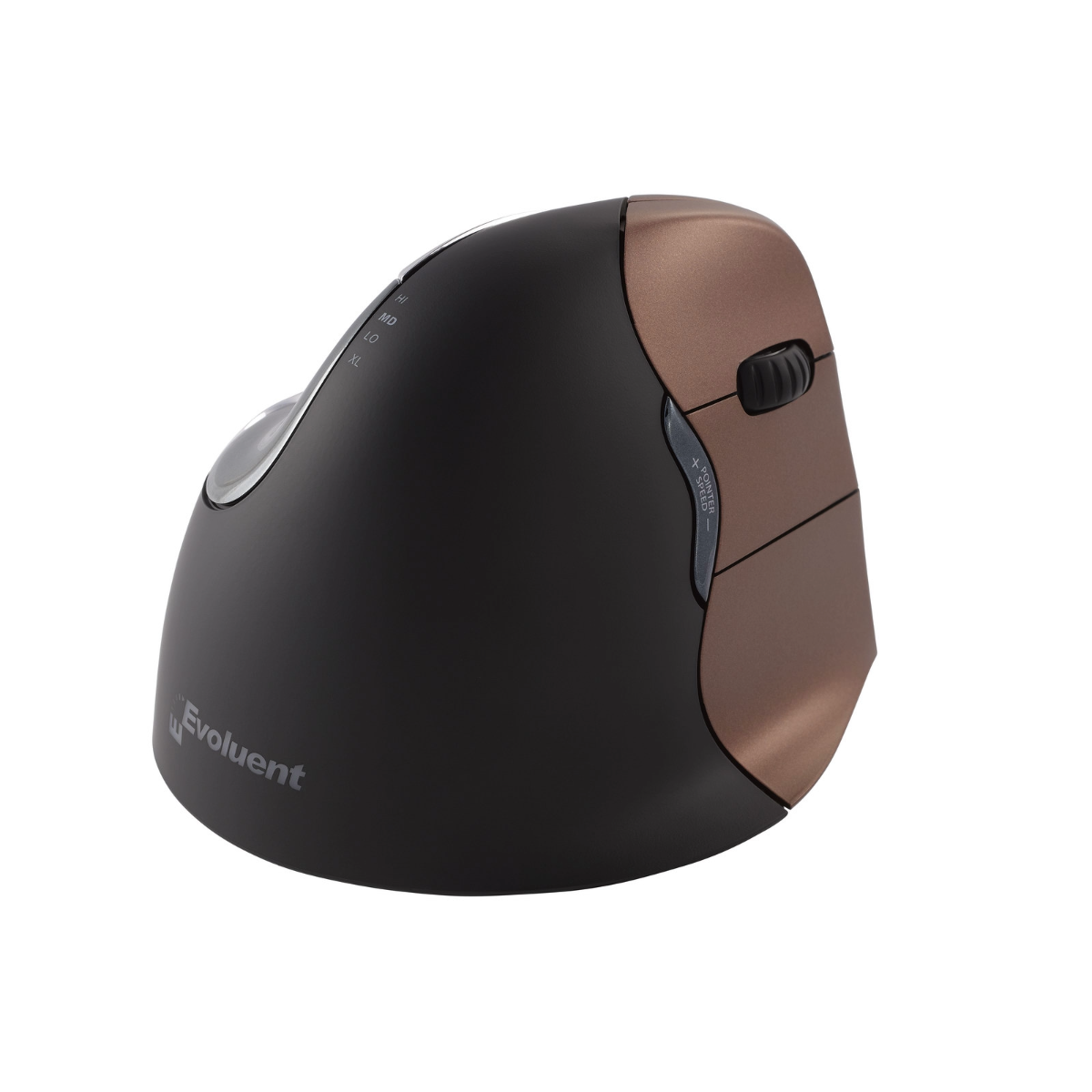
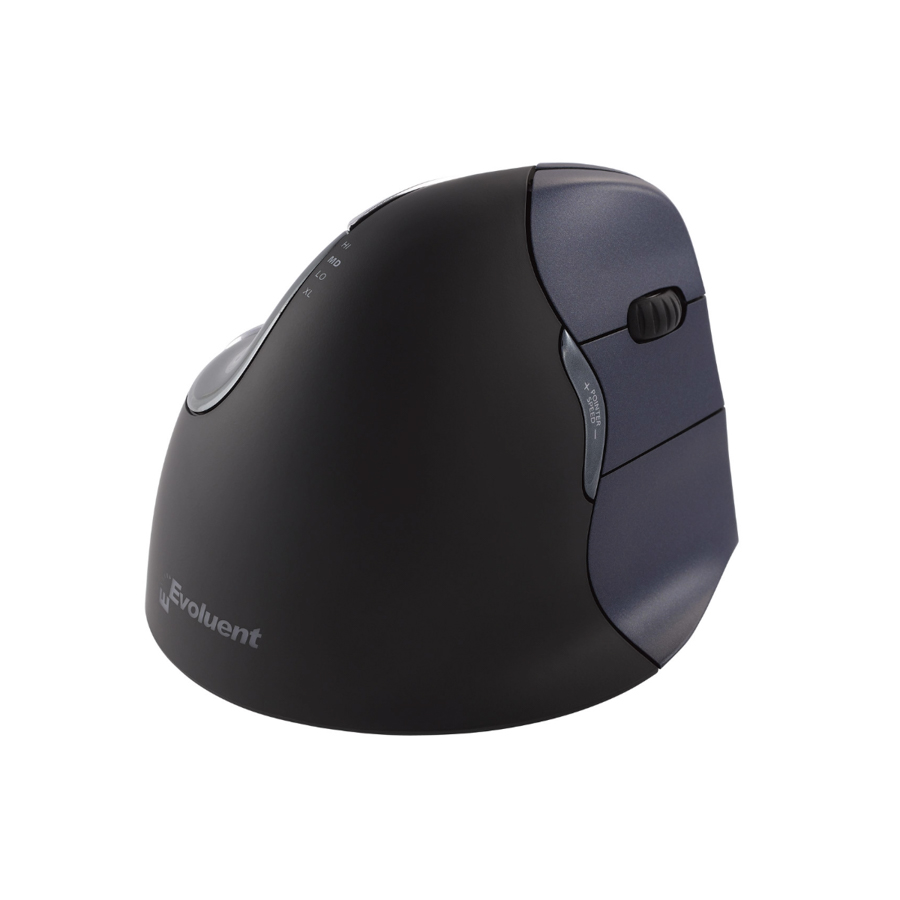
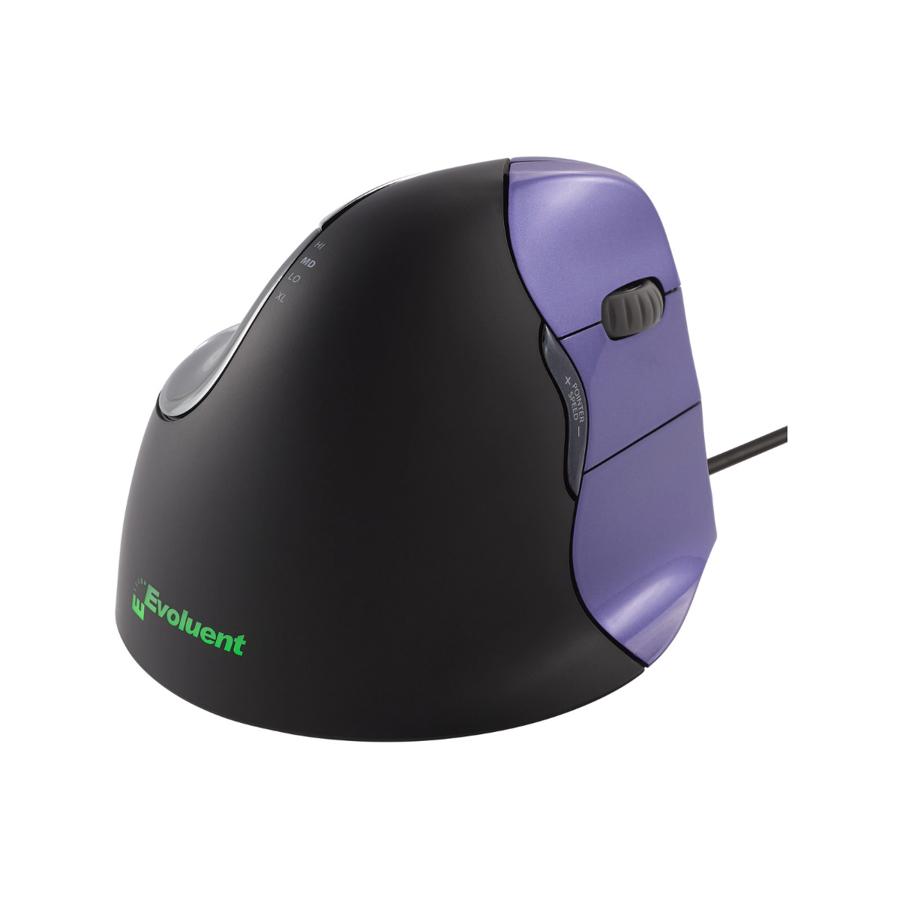
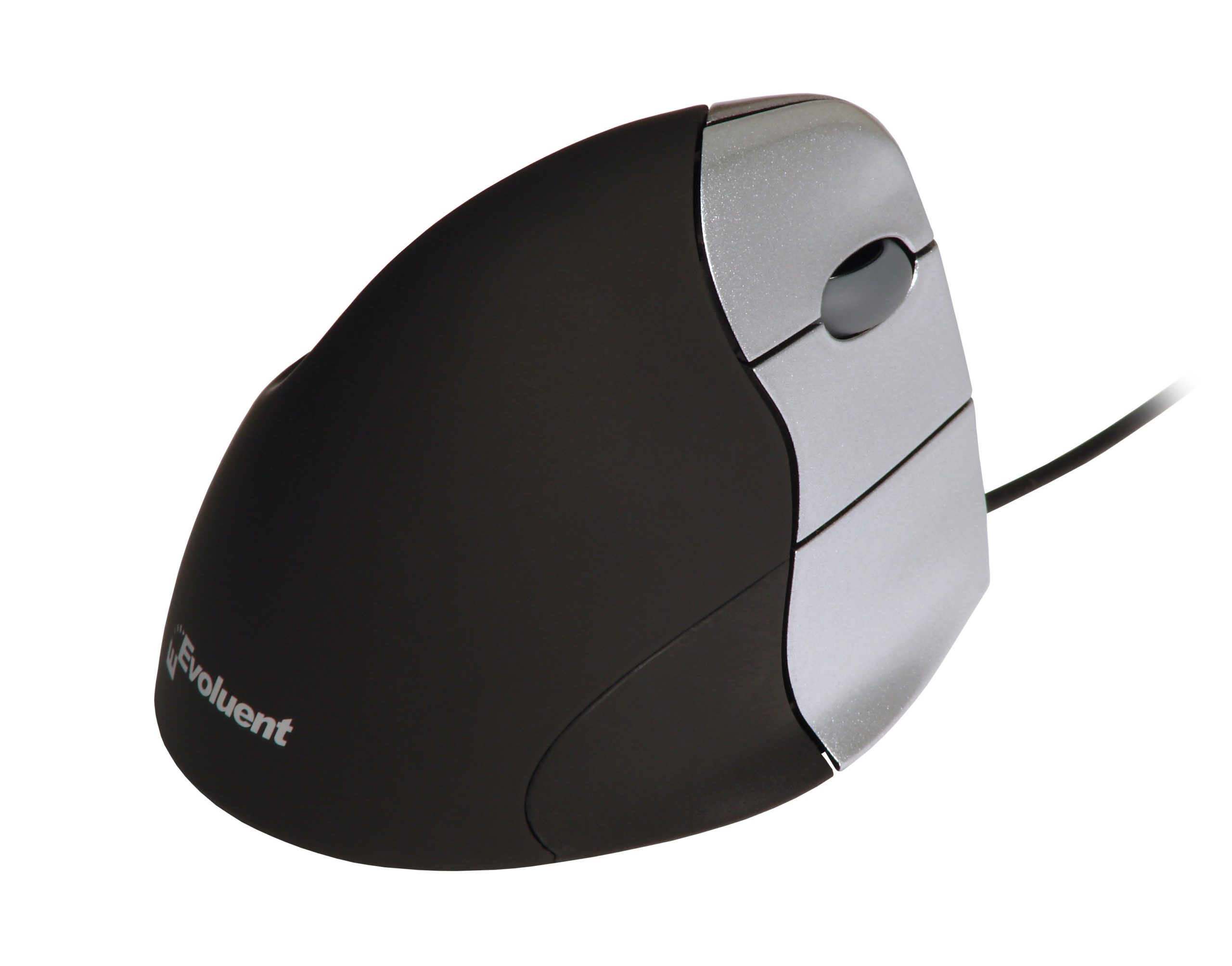
An extra-wide lip along the bottom edge prevents the little finger from rubbing the desk.
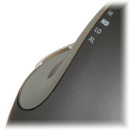
The thumb rest has been reshaped to provide even more comfort over earlier versions.
An approved mouse of University of California at Berkeley
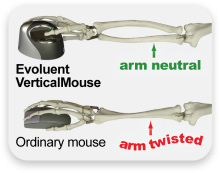
The Evoluent VerticalMouse 2 (an earlier model identical in concept) was evaluated in 2007 by a team at the health services clinic in UC Berkeley, including medical doctors, physical therapists, ergonomists, and administrators. It was found to be comfortable, easily adapted to, and promote a neutral wrist and forearm posture. It was the only vertical type mouse approved for staff use within UC Berkeley and for sale in the campus store at that time.

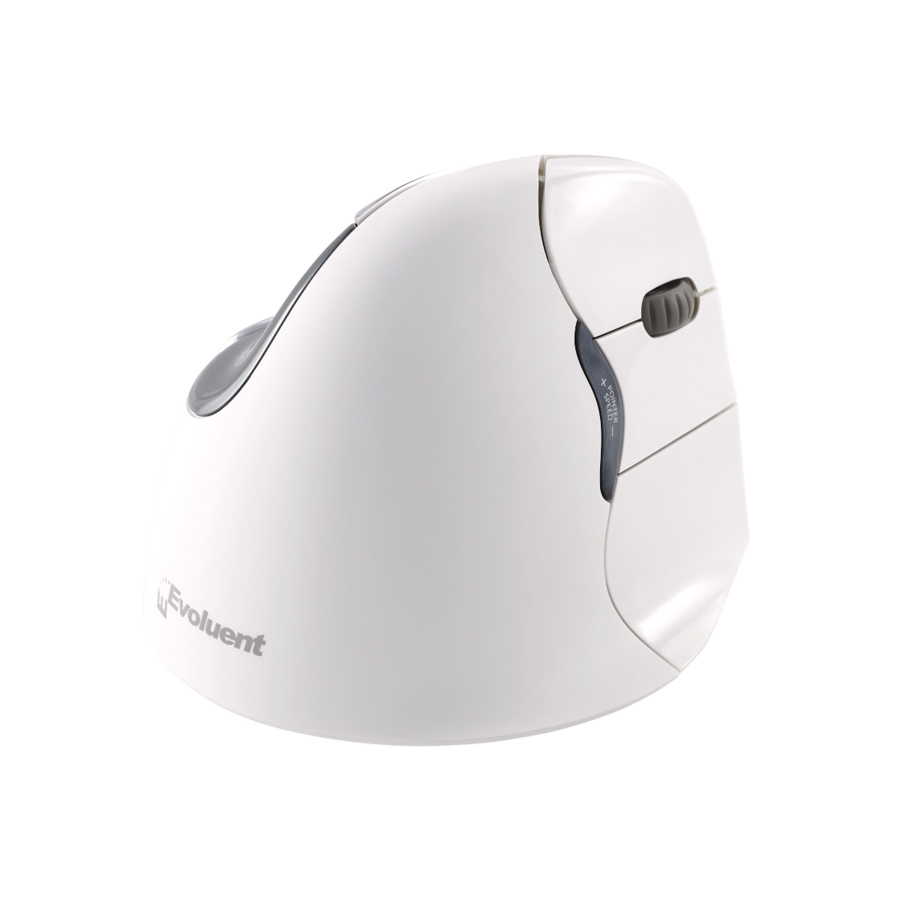
Top-mounted LEDs show through the chrome thumb rest to indicate selected pointer speed including extra low (XL), low (LO), MD (medium), to high (HI).

A new bottom thumb button provides greatly extended functionality when used with the included driver.

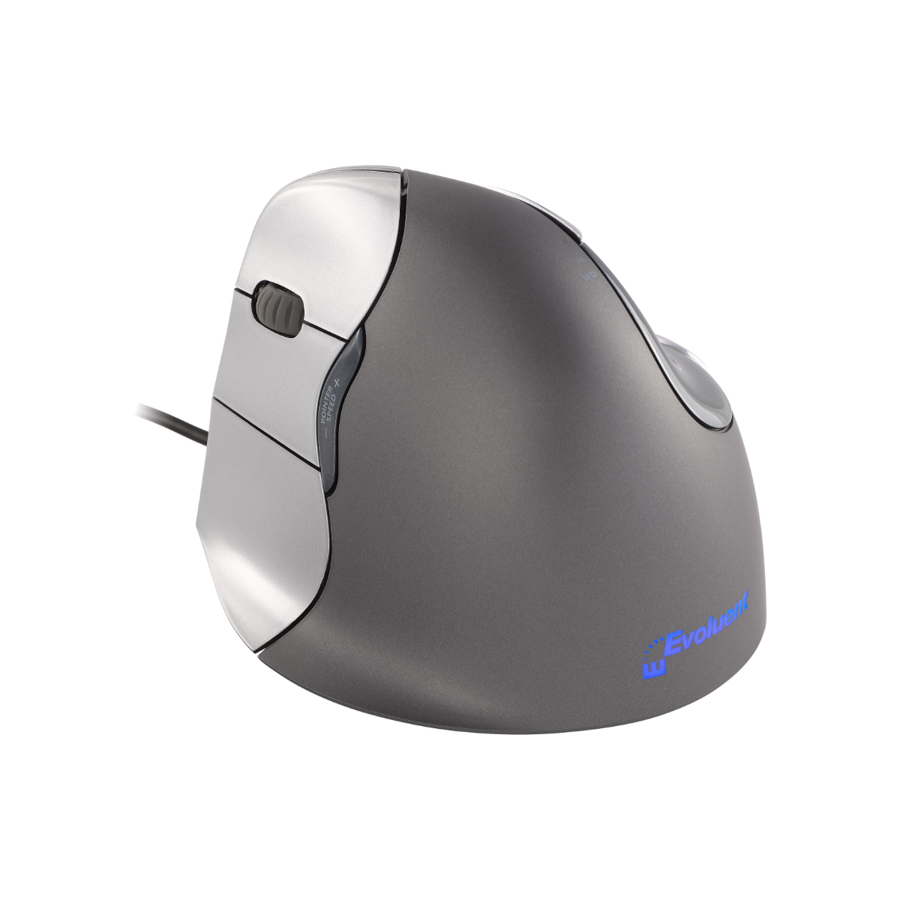
The logo is pure eye-candy. The illumination turns off when the system is in sleep mode to conserve notebook battery power.

Pointer speed controls on the side allow convenient adjustment without even releasing your grip from the mouse.

Evoluent VM4 has a special feature of horizontal scrolling. If you want to use it write us in which program (Microsoft Excel, Google Sheets) you want to take advantage of it and we will send you instructions concerned.
Evoluent is suitable for those allergic to rubber
People allergic to rubber can use the Evoluent mice with no harm. There is no latex or rubber in the Evoluent mice. The scroll wheel, for example, is of silicone.
Evoluent mice have a guarantee of 2 years.
Compatibility
The old Evoluent software was certified to work with earlier versions of macOS, specifically 10.5, and 10.6-10.14. Since Mac computers automatically update their OS to later versions, the Evoluent software no longer works. Due to each macOS update requiring Evoluent to go through an intensive process to re-certify Evoluent's Mac software, Evoluent is no longer providing software for programming VerticalMouse Bluetooth and Mac models.
- Bluetooth connectivity with Mac only. Not compatible with Windows.
- Default mouse functions are supported in macOS
- No Evoluent software is available for macOS versions other than 10.5 and 10.6–10.14.
- Third-party software for programming the buttons is available at www.usboverdrive.com (Evoluent is not affiliated with USB Overdrive.) The software is optional. VerticalMouse has default functionality without it.
Users who use only default functions
If the user has a newer macOS for which Evoluent don't have software, the user is advised to uninstall the Evoluent software. Then default functions work again.
Users who use button programmingThe old Evoluent software was certified to work with earlier versions of macOS, specifically 10.5, and 10.6-10.14. If the user has a newer macOS for which Evoluent don't have software, the user is advised to uninstall Evoluent software and then install a third-party software for programming the buttons atwww.usboverdrive.com (Evoluent is not affiliated with USB Overdrive.)
1. Before connecting Evoluent VerticalMouse, go to your computer Applications folder in your computer to find and remove any existing Evoluent Mouse Manager and any other mouse software, except touchpad drivers, to avoid software conflict.
2. Go to System Preferences, Bluetooth, and click Setup New Device or click the plus sign + to add the mouse. Slide the power switch on the bottom of the VerticalMouse to the green position or switch it off and on to establish a connection.
3. Press the Pointer Speed button on the side of the mouse to light up two to three indicator lights for optimal pointer speed.
4. The mouse has default functions without a driver. No Evoluent software is available for macOS versions other than 10.5 and 10.6–10.14. Download Evoluent Mouse Manager for Mac here (Max OS X 10.5) or here (Mac OS X 10.6 - 10.14)For other macOS versions third-party software for programming the buttons is available at www.usboverdrive.com (Evoluent is not affiliated with USB Overdrive.) The software is optional. VerticalMouse has default functionality without it.
5. After the driver is installed, button functions may be changed by clicking the E icon in System Preferences to open Evoluent Mouse Manager for Mac. The driver may be removed by going to the Applications folder, Evoluent folder and clicking Uninstall.
6. Replace the AA battery when a red light on the thumb rest blinks, or when the pointer becomes unresponsive.